

Raspberry Pi USB Wireless Keyboard/Mouse Detection Problem
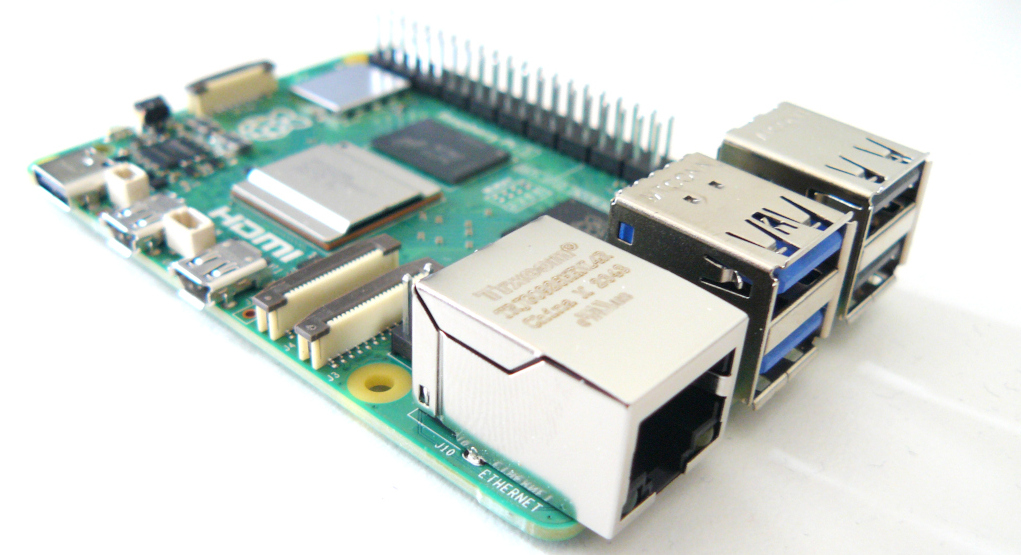
I have a Raspberry Pi 5 with a combination wireless keyboard and mouse device that connects to the Pi using a USB receiver dongle. Normally this works fine but occasionally the USB receiver dongle fails to be detected at boot and consequently the keyboard/mouse doesn't work. Unplugging the receiver dongle and plugging it back in again fixes the problem but this is a nuisance. The following documents a fix that resets the dongle automatically every time the Pi boots.
Note this was written with reference to a Raspberry Pi 5. The USB works differently on earlier Raspberry Pi models.
Install uhubctl:
sudo apt install uhubctl -y
Then here is a script, which when run should fix the problem:
#!/bin/bash

sudo uhubctl -l 1 -a off && sudo uhubctl -l 2 -a off && sudo uhubctl -l 3 -a off && sudo uhubctl -l 4 -a off
sleep 3
sudo uhubctl -l 1 -a on && sudo uhubctl -l 2 -a on && sudo uhubctl -l 3 -a on && sudo uhubctl -l 4 -a on
What it does is physically turn off power to all four USB ports on the Raspberry Pi 5. It then waits 3 seconds to allow for any capacitors in the USB dongle to discharge. It then turns power to all the ports back on again, hence resetting the dongle. Note, of course, if you have any other USB devices connected, these will also get power cycled on boot. My understanding is in the Pi 5 design, all the USB ports operate from the same power source and it is not possible to individually turn them off. In order to disable power to any one port you have to disable power to all ports simultaneously.
To get the fix to run automatically every time the Pi boots add the following line to the root user crontab (not the crontab of a normal user):
@reboot sleep 5 && /usr/sbin/uhubctl -l 1 -a off && /usr/sbin/uhubctl -l 2 -a off && /usr/sbin/uhubctl -l 3 -a off && /usr/sbin/uhubctl -l 4 -a off && sleep 3 && /usr/sbin/uhubctl -l 1 -a on && /usr/sbin/uhubctl -l 2 -a on && /usr/sbin/uhubctl -l 3 -a on && /usr/sbin/uhubctl -l 4 -a on